Tutorial: create your checklists
Create your checklists
Our application Wilout CONTROL Pro Promise a instant control of each ticket at the entrance of your event. With its integrated checklist system, it's impossible to make a mistake about the validity of a ticket! This makes it an essential tool to streamline the queue and thus allow your participants to quickly enjoy the festivities.
In this tutorial, discover the checklist features in our Wilout CONTROL tool and learn how to set them up with ease.
What is a checklist?
One checklist is a group of participants to whom you assign rights of way to your event according to the scan area (general public entrance, press entry, VIP access, etc.)
A checklist can:
- Contain the participants of a single or several events or sessions;
- Correspond to a physical location (Entrance A, Entrance B, VIP area... etc.);
- Correspond to a period (3-day pass, Friday, Saturday... etc.).
Why set up your checklists?
Set up checklists will make it easier to manage guests, VIPs or even subscriptions thanks to our dedicated features.
Thanks to them, you can make a type of ticket valid for a defined period, or even give access to certain areas of your event to one or more ticket categories.
Note that by default, a checklist is not automatically created.
It is very important to create your lists before the start of your event.
Create a list, step by step
1 - Log in to your Wilout CONTROL management interface using your identifiers.
2 - Indicate the name of your first list and an end of validity date (date on which it will no longer be accessible on our control terminals.)
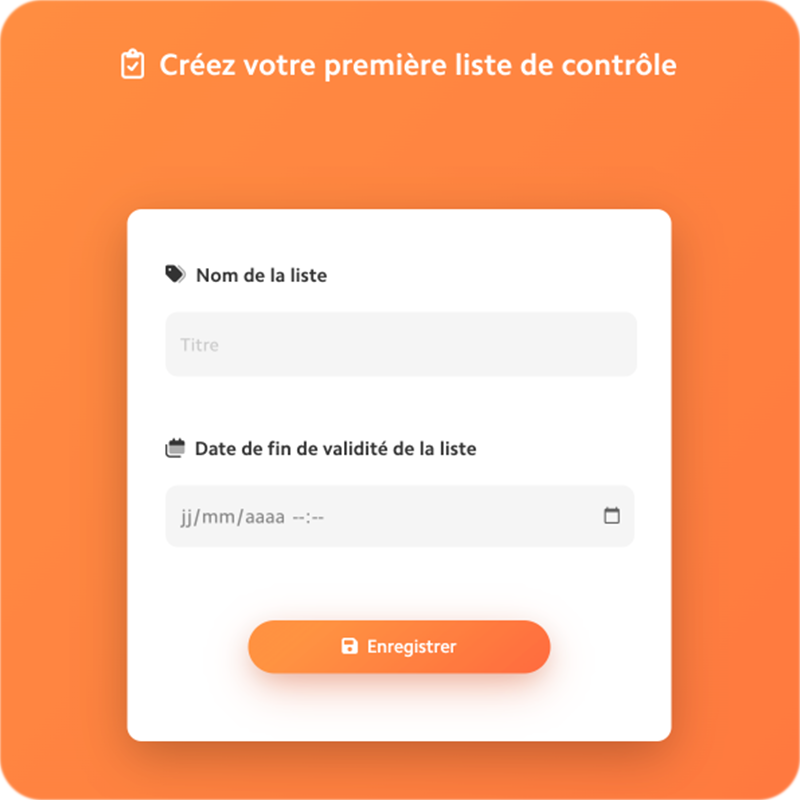
3 - Select the rates to include in your checklist.
4 - Set the number of checks per list as required.
5 - Click on”Save”.
6 - You can create as many lists as your event needs, by going to the tab Set up -> My list then by clicking on”New list“at the top right.
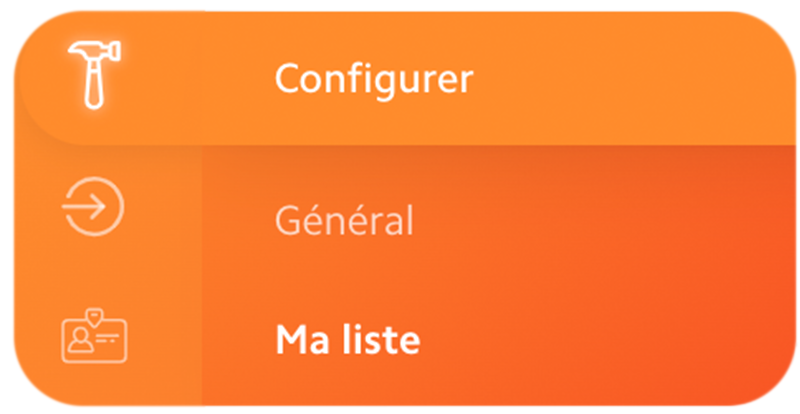
7 - Your checklists now appear in the section My checklists as well as in the app Wilout CONTROL Pro !
8 - You can also assign your lists to the controllers of your choice. For more information, read our article on Operator access.
And that's it, quick and easy, you now know how set up your checklists In order toensure the best management of entries within your event.
To your scan terminals!

.JPG)
.png)